Distinct personalities
Theo, Rhonda, Ronja, Benji, Coco and Lilly stay true to their established characters and respond in their own voice.
WhatsDogi brings the Dogiwood stars into their own installable messenger – with personal conversations, memories, spontaneous messages and occasional Media Moments.
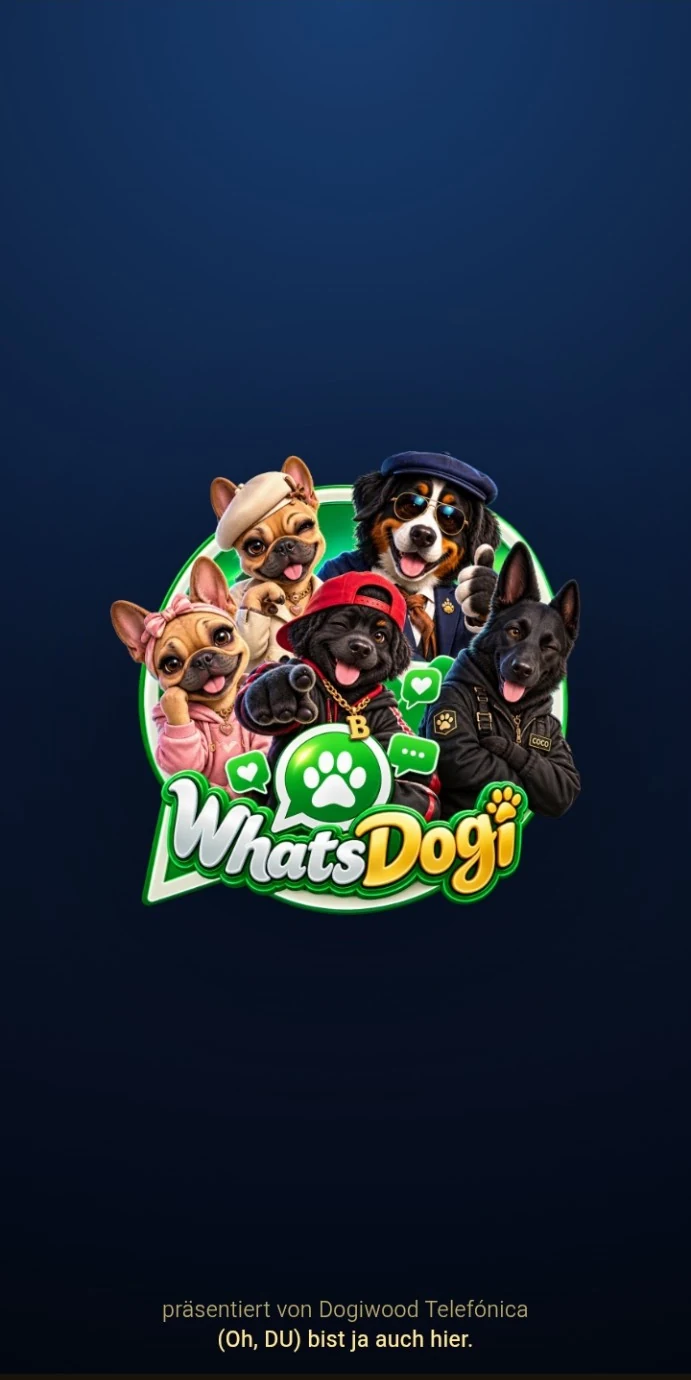
The messenger connects existing Dogiwood systems without turning them into a generic all-purpose AI.
Theo, Rhonda, Ronja, Benji, Coco and Lilly stay true to their established characters and respond in their own voice.
Episodes and long-term memory help important shared moments survive far beyond the last few messages.
Contextual snapshots can become part of the conversation – matched to scene, time, weather and the current context.
C.O.C.O. monitors operations, protection systems and errors and keeps a paw on the technology in the background.
WhatsDogi is not limited to replying to the latest message. Depending on permissions and system state, characters can also initiate contact themselves. Relationships, episodes and shared memories evolve over time.
The server decides delivery and limits. Characters never invent a message that was not actually sent by the system.
WhatsDogi is built as a PWA. Open it, install it from your browser, then launch it from your home screen like a normal app.
Launch the web app on your smartphone.
Choose “Install app” or “Add to Home Screen”.
WhatsDogi will then open in its own app window.
The installable web app is the official route. A separate download file can also be offered if needed.
Current server time, time of day, season and Theo’s weather context can influence live chats and images.
Approved relationship and development states from World of Dogiwood can carry the same character into the messenger.
Conversations are structured into episodes and lasting memories instead of relying only on the latest message block.